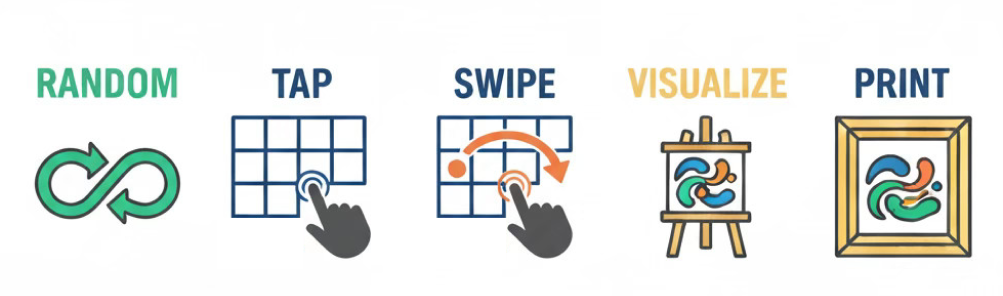
Each grid section has 70 layers of paint strokes. Press the RANDOM button to get inspiration.
When you find a random combination that you like then tap and swipe to customize.
Tap into the 3 x 4 grid sections to pass through the strokes and choose ones that you like.
Touch a grid cell and swipe to the adjacent cell to connect brushstrokes. It will change the adjacent cell
to the same image group as the first. Connecting brushstrokes helps to bring unity to your work.
Experiment with different blend options.
Change the intensity and variance to further customize your artwork.
See your artwork on the wall as a print or a canvas with the Room Visualizer. This button is located on the
left side of the Canvas on desktop and above the canvas on your phone.
When you're finished designing, choose which type of print you would like and add it to the cart.